Technician Skills
System Diagnostics
Hardware Testing: Component failure analysis, stress testing, performance benchmarking
Software Troubleshooting: OS issues, driver conflicts, application errors
Network Analysis: Connectivity issues, configuration problems, security assessment
Installation & Setup
Operating Systems: Windows, Linux installation and configuration
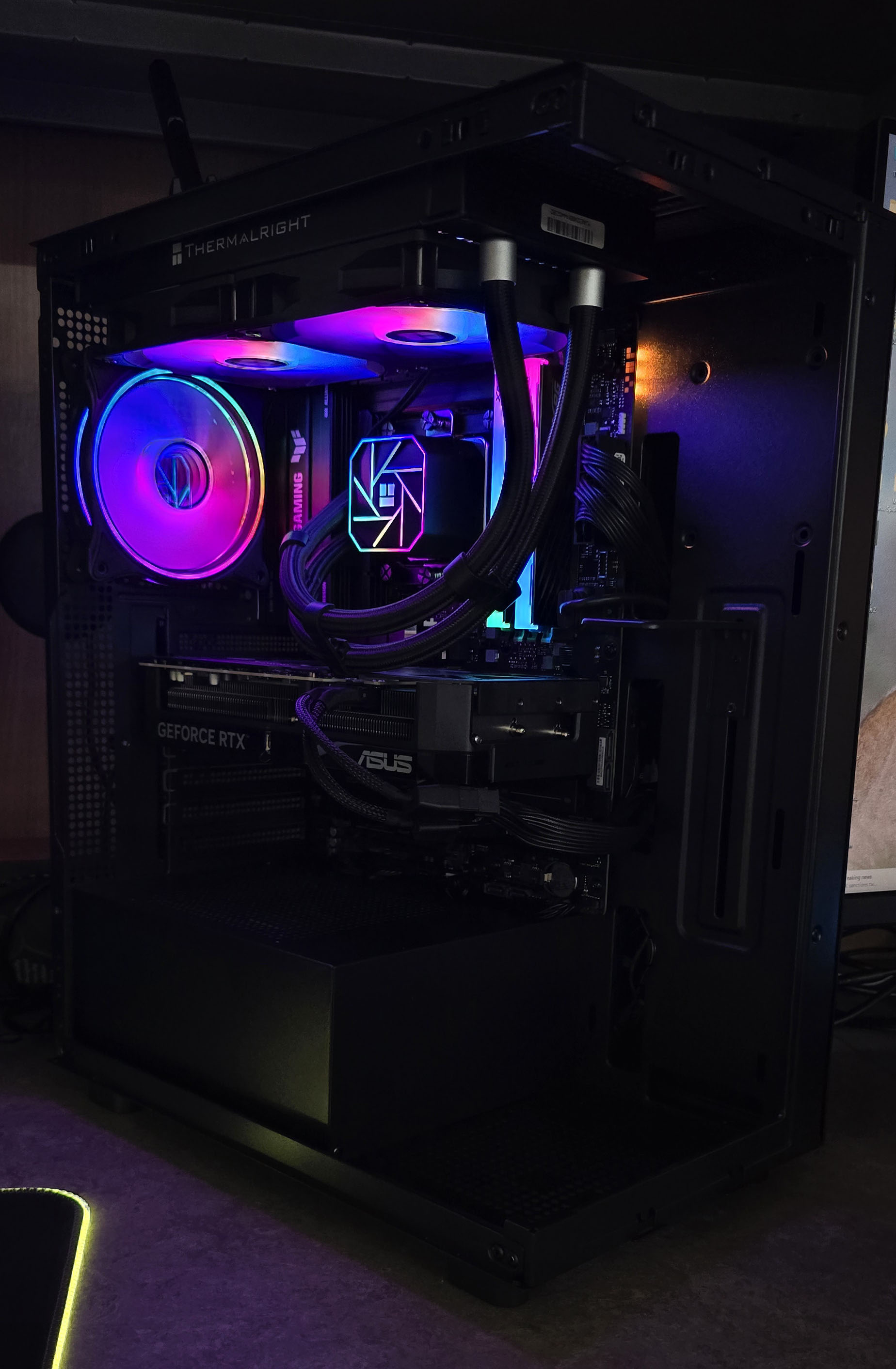
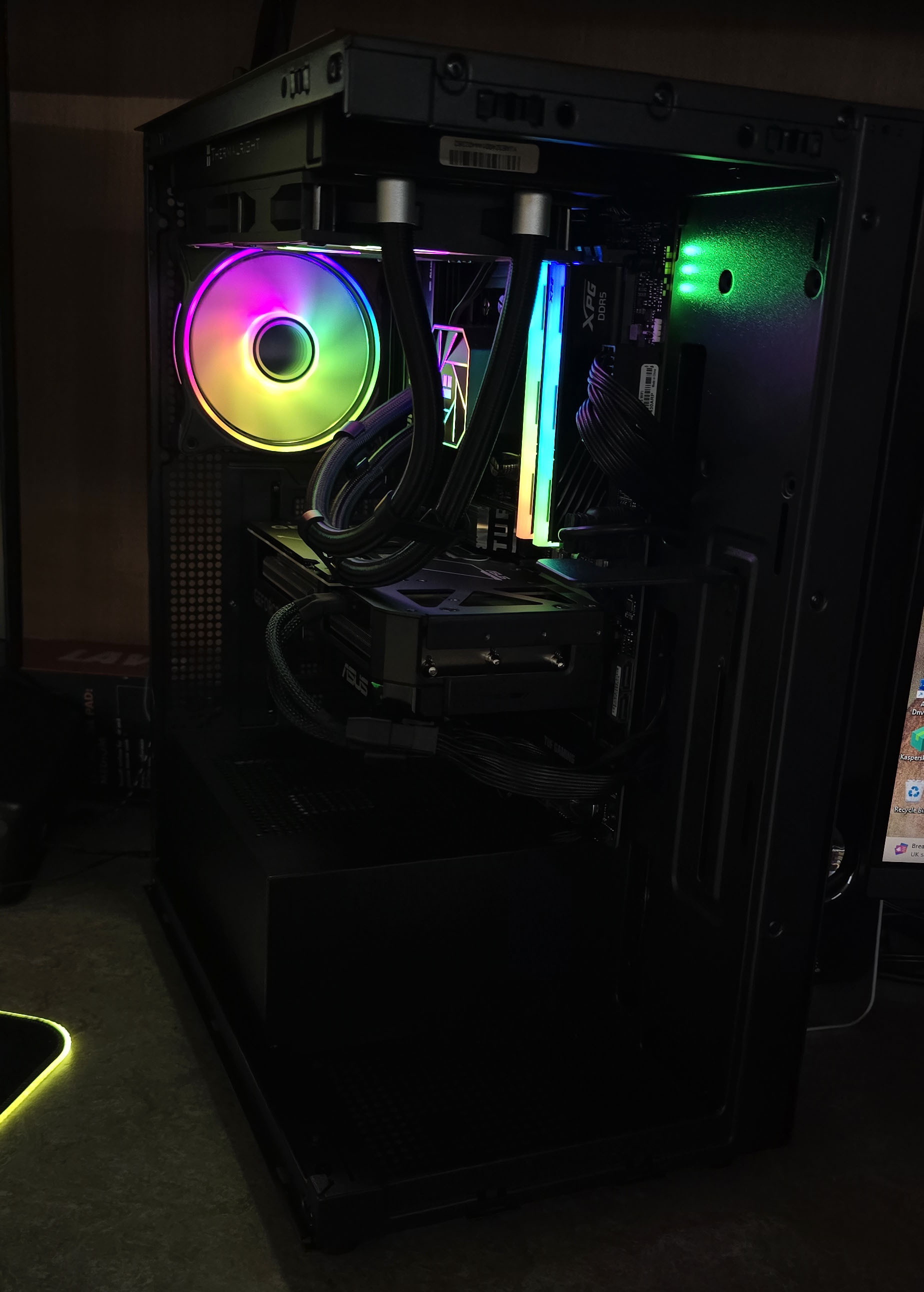
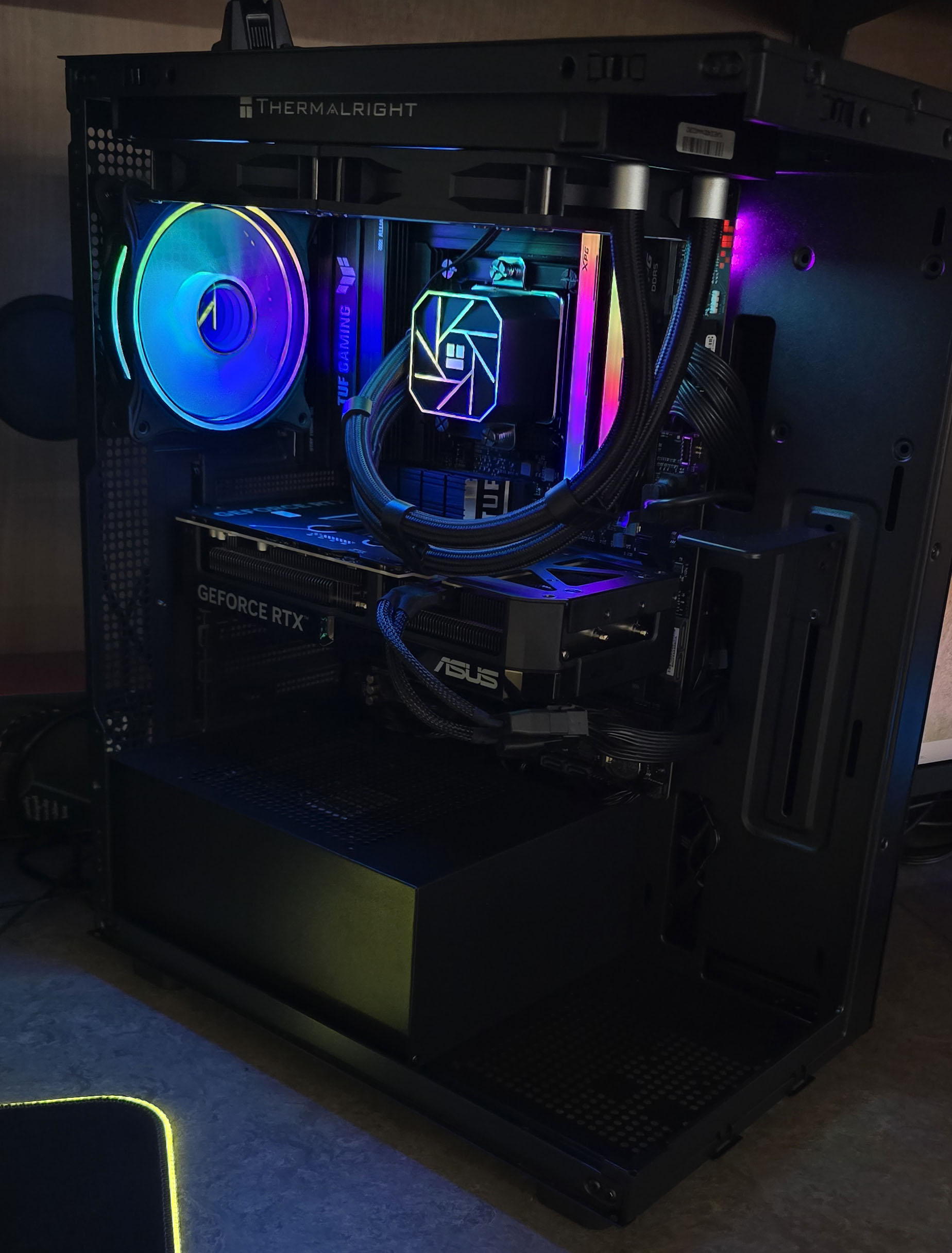
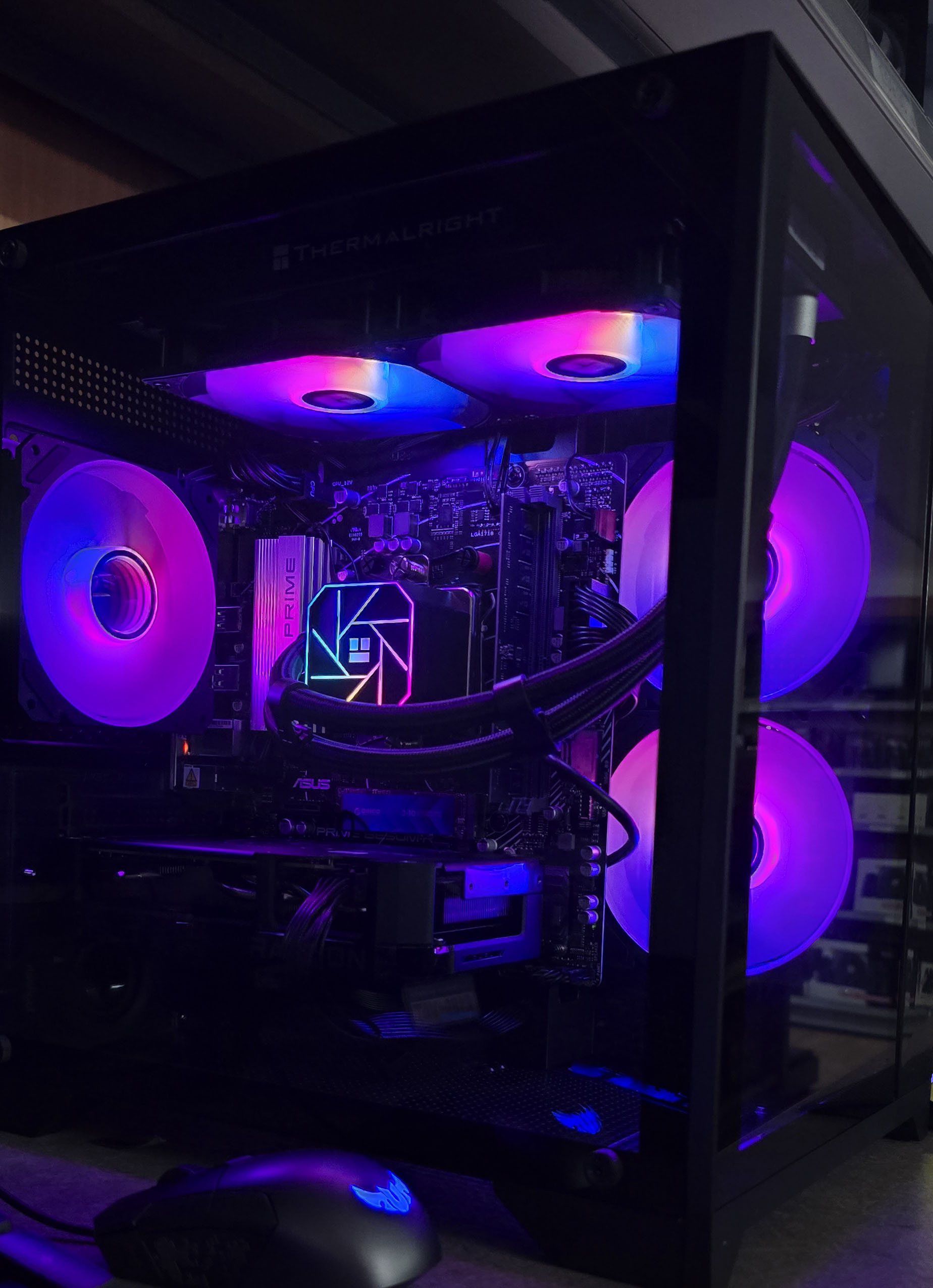
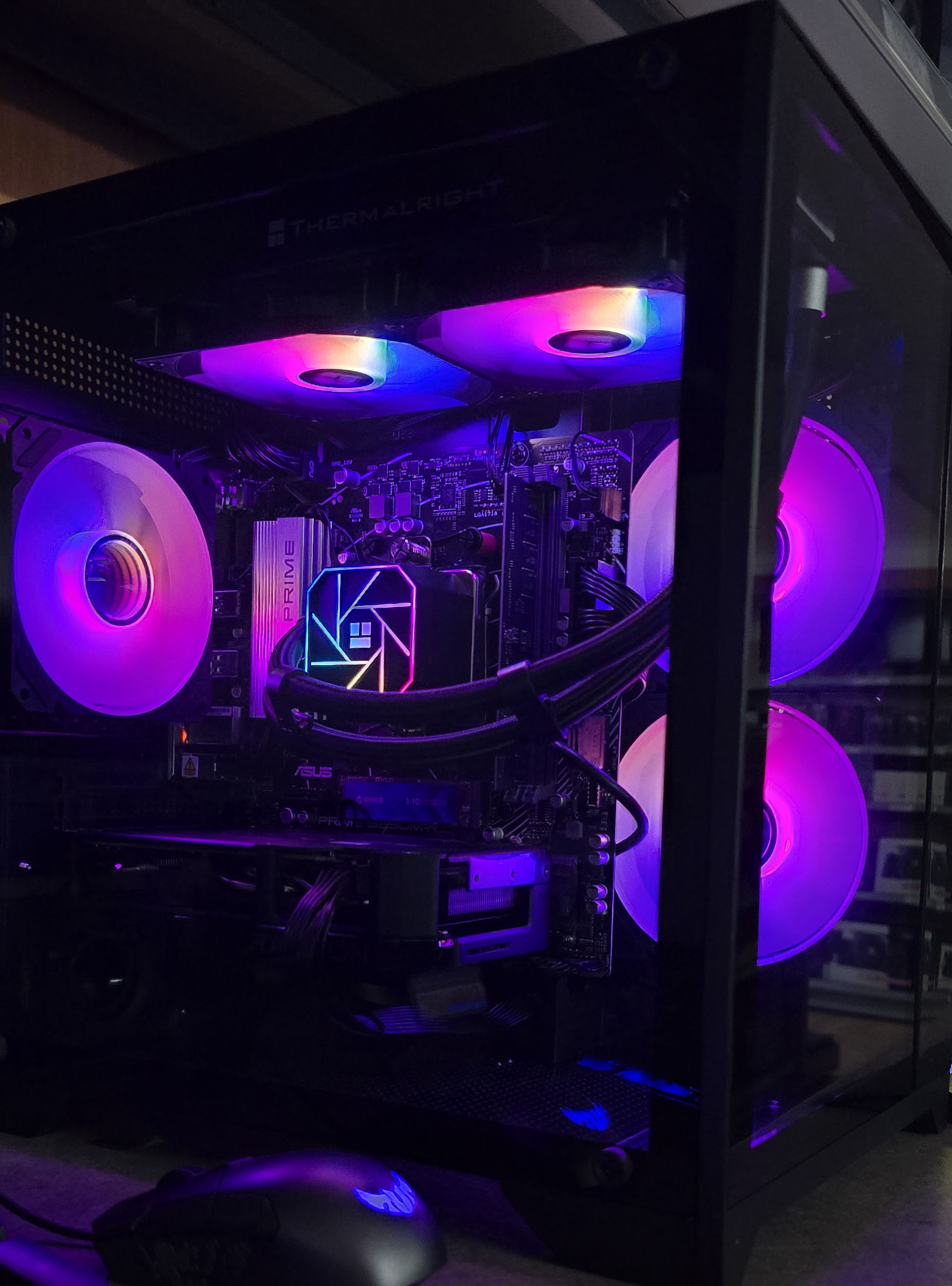
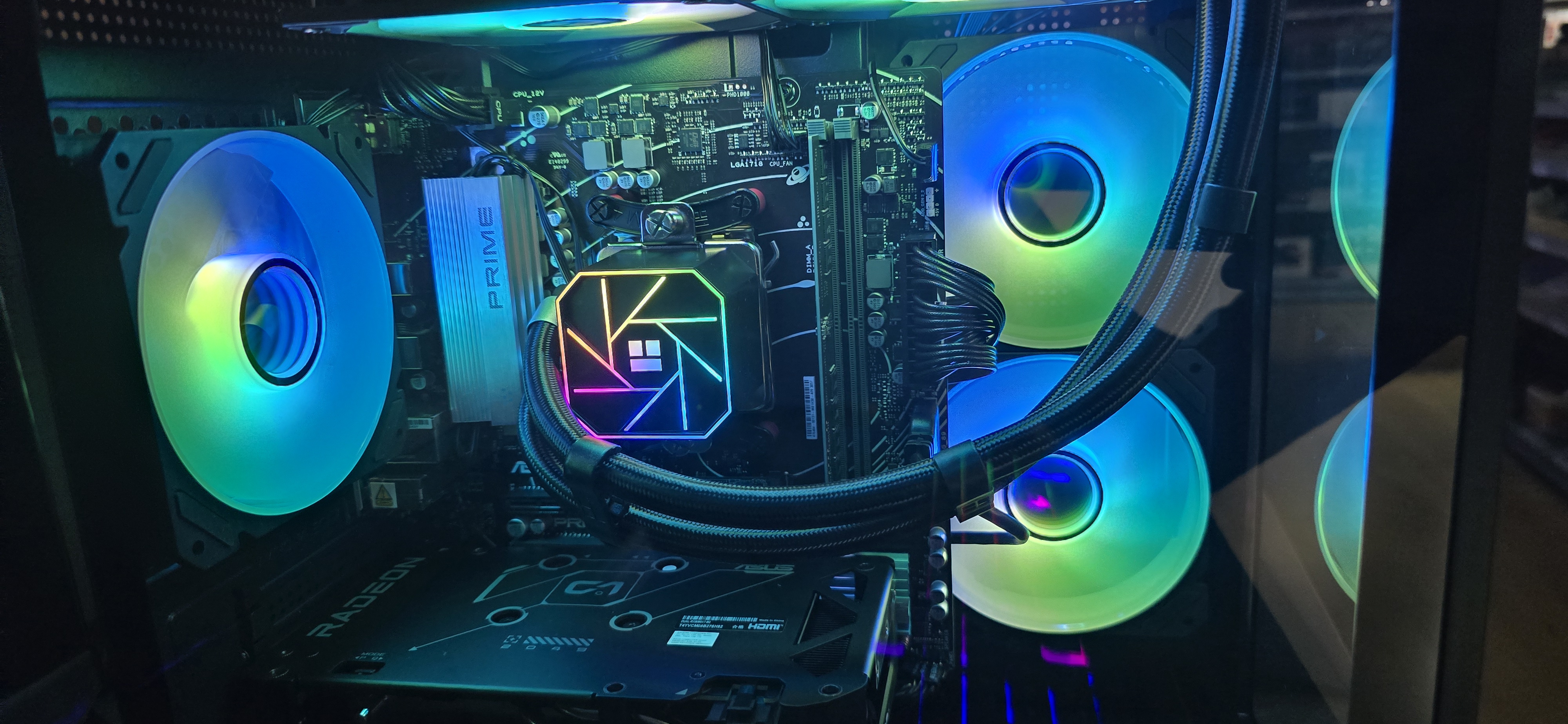
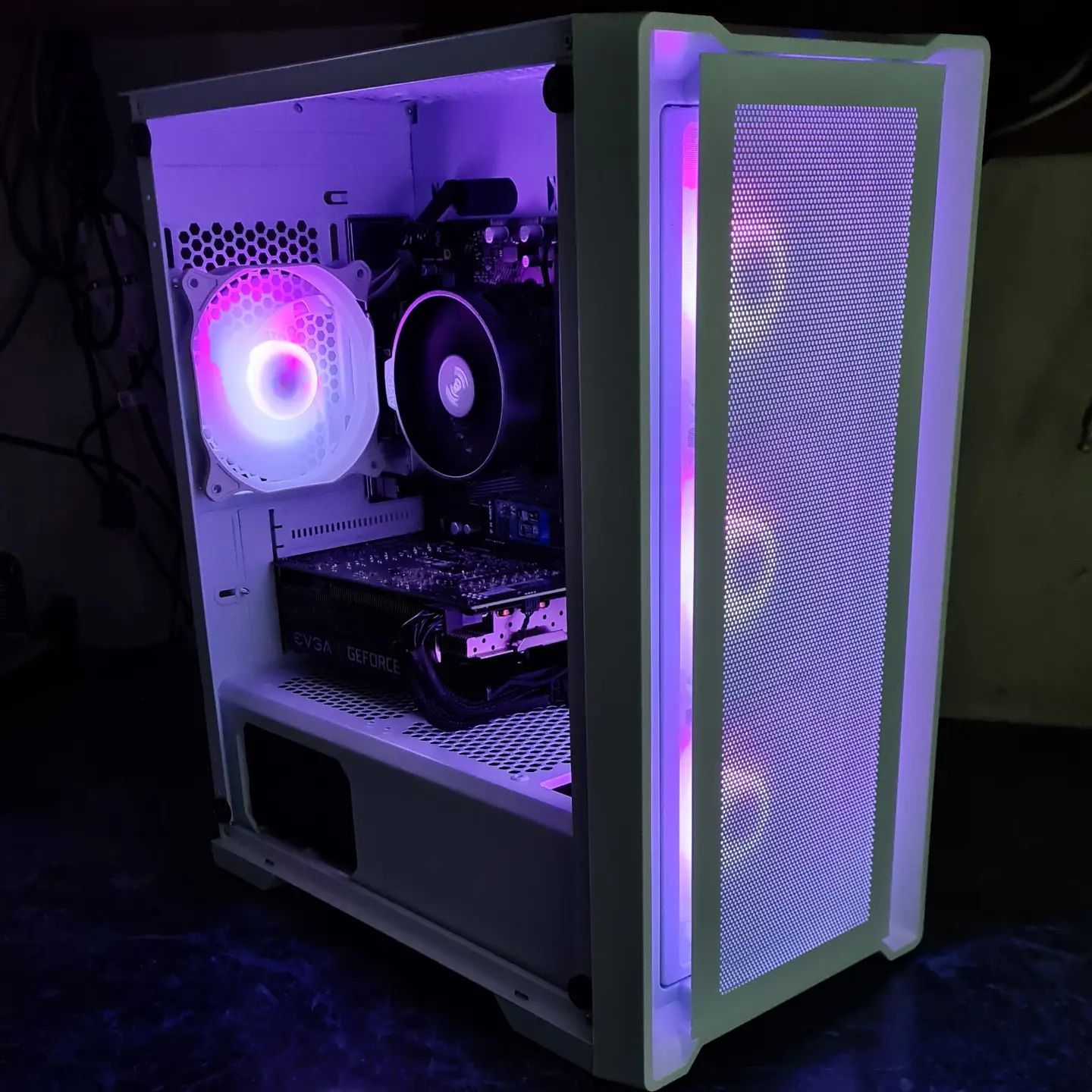
Hardware Assembly: PC building, component compatibility, cable management
Software Deployment: Application installation, system optimization, user training
Repair & Maintenance
Component Replacement: CPU, RAM, storage, power supplies, cooling systems
Data Recovery: File system repair, backup solutions, data migration
Preventive Maintenance: System cleaning, thermal management, performance monitoring
Script Examples
System Health Check Script
This PowerShell script performs comprehensive system diagnostics:
# System Health Check Script
Get-WmiObject -Class Win32_ComputerSystem |
    Select-Object Name, Manufacturer, Model

Get-WmiObject -Class Win32_OperatingSystem |
    Select-Object Caption, Version, BuildNumber

Get-WmiObject -Class Win32_Processor |
    Select-Object Name, NumberOfCores, MaxClockSpeed

Get-WmiObject -Class Win32_PhysicalMemory |
    Select-Object Capacity, Speed

Get-WmiObject -Class Win32_DiskDrive |
    Select-Object Model, Size, Status

# Check for system errors in Event Log
Get-EventLog -LogName System -EntryType Error -Newest 10 |
    Select-Object TimeGenerated, Source, Message
Network Troubleshooting Commands
Essential command-line tools for network diagnostics:
@echo off
echo === Network Diagnostics ===
echo.

echo IP Configuration:
ipconfig /all
echo.

echo Network Connections:
netstat -ano
echo.

echo DNS Resolution Test:
nslookup google.com
echo.

echo Ping Test:
ping -t 4 google.com
echo.

echo Traceroute:
tracert google.com
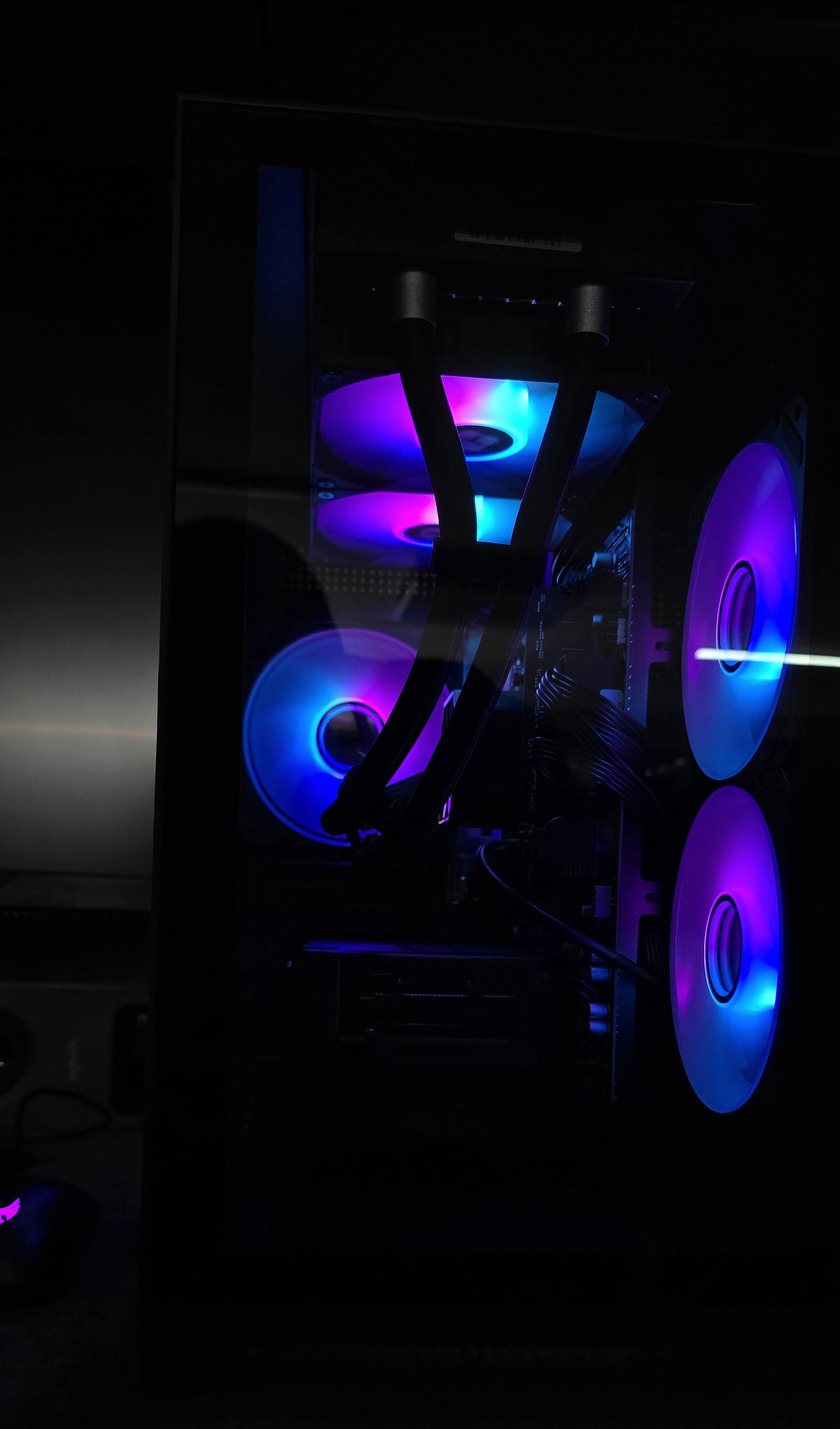
PC Builds Gallery
Project 2
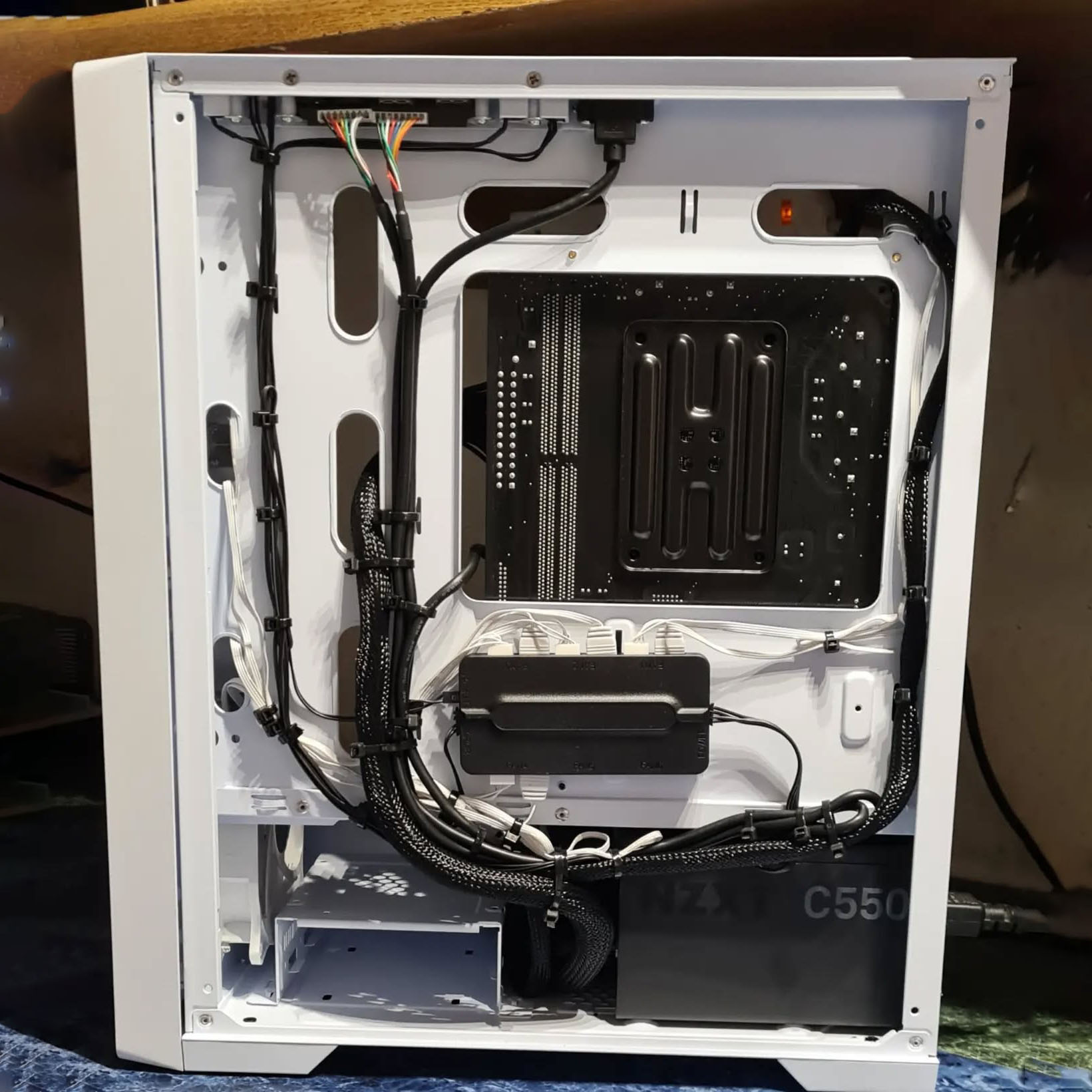
Project 3
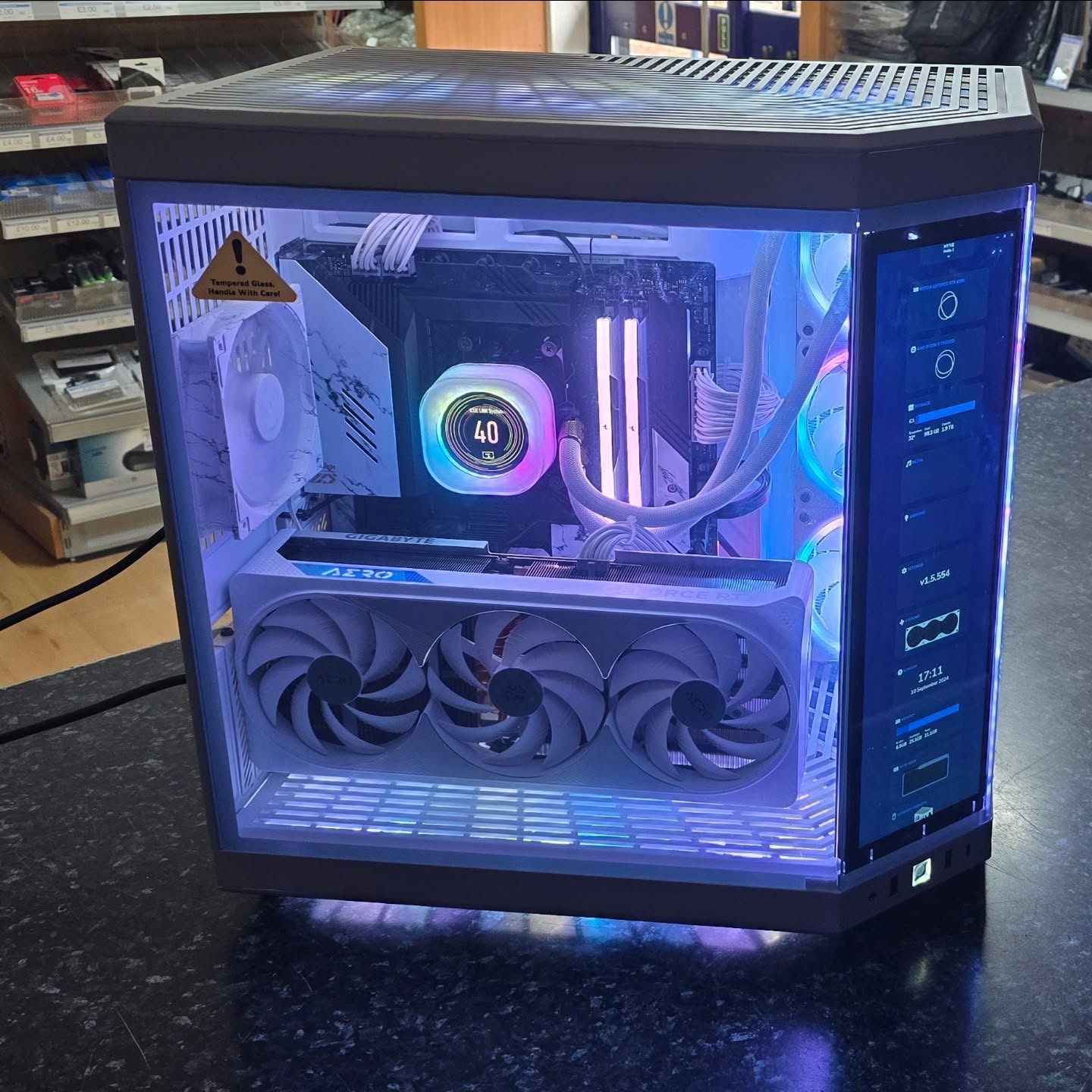
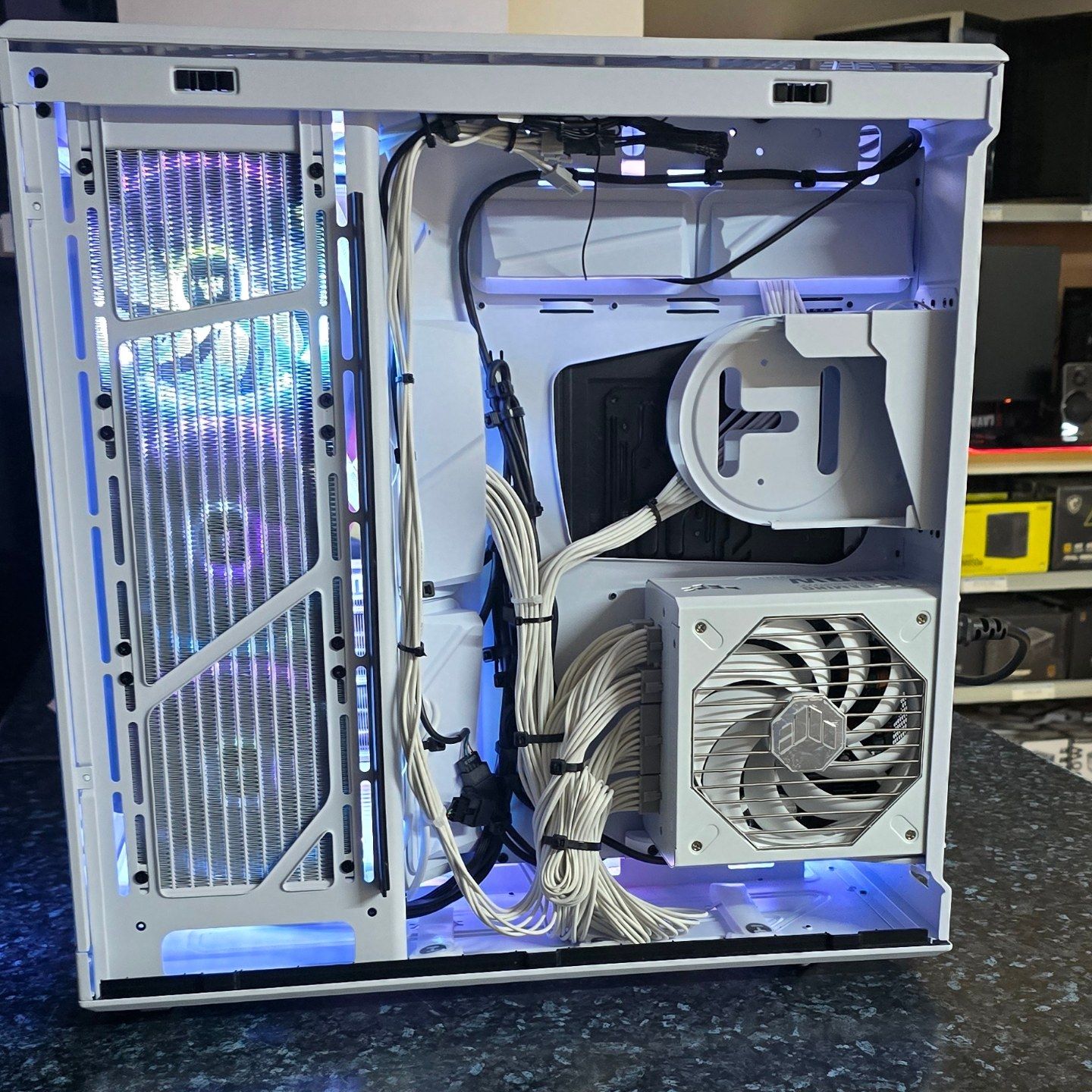
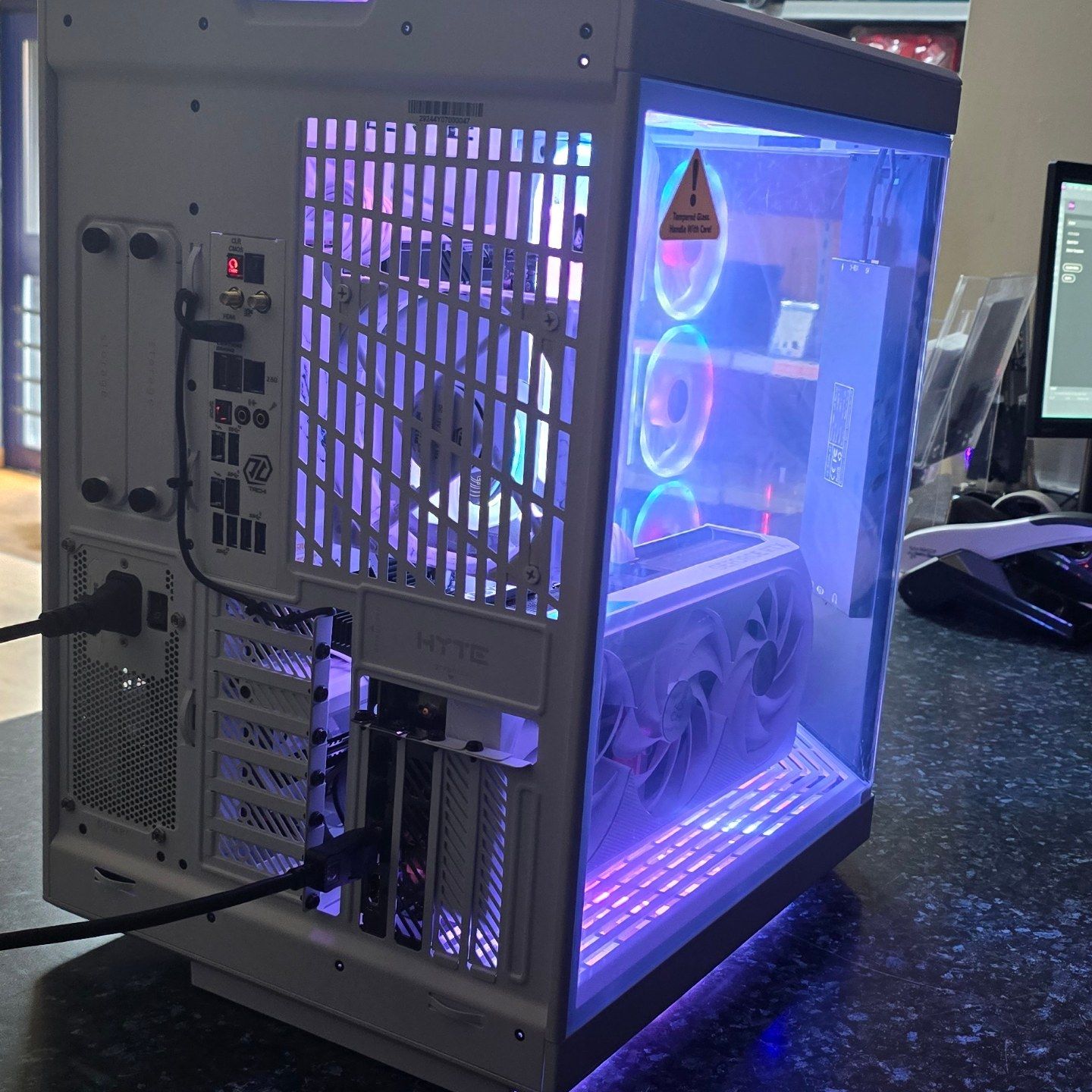
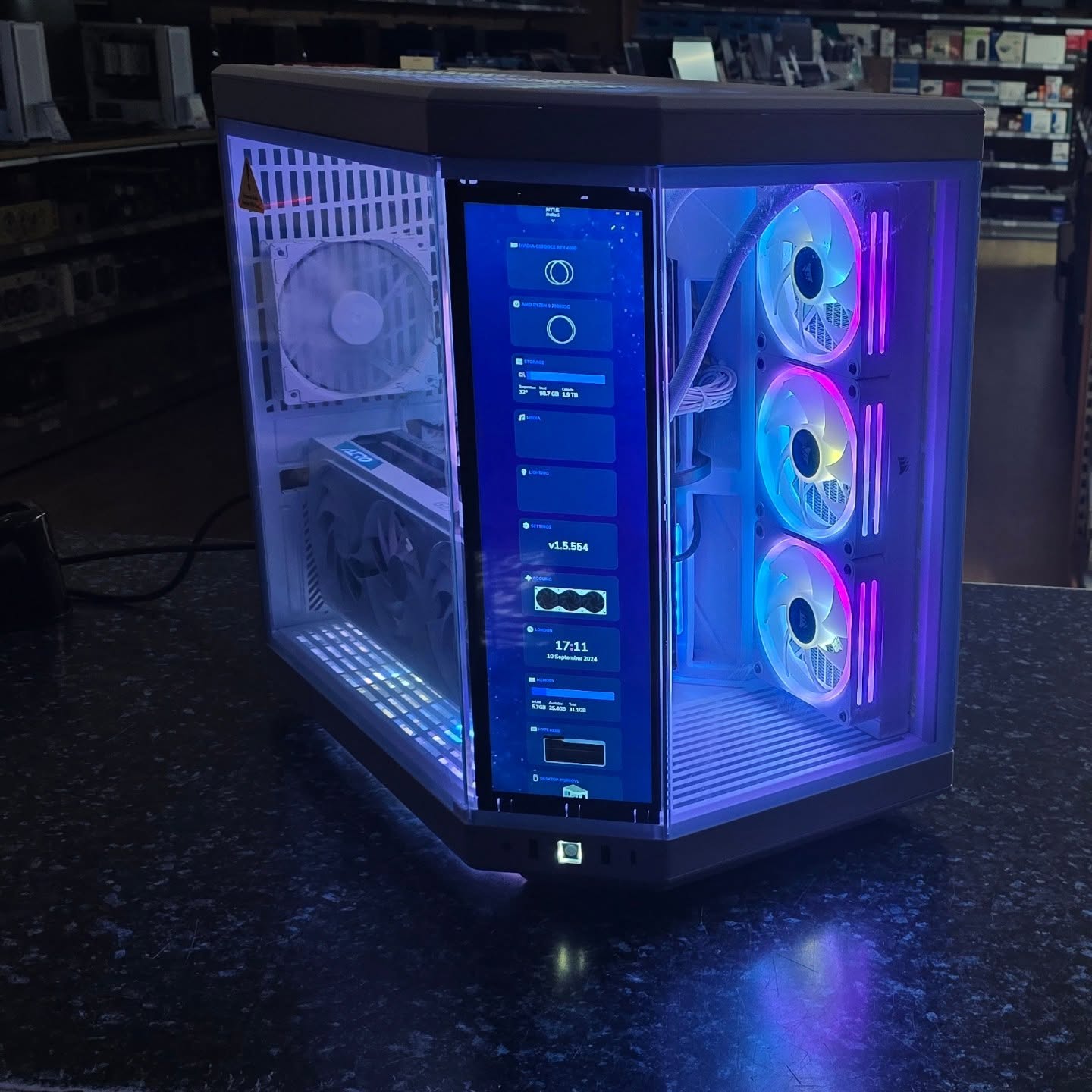
Project 4
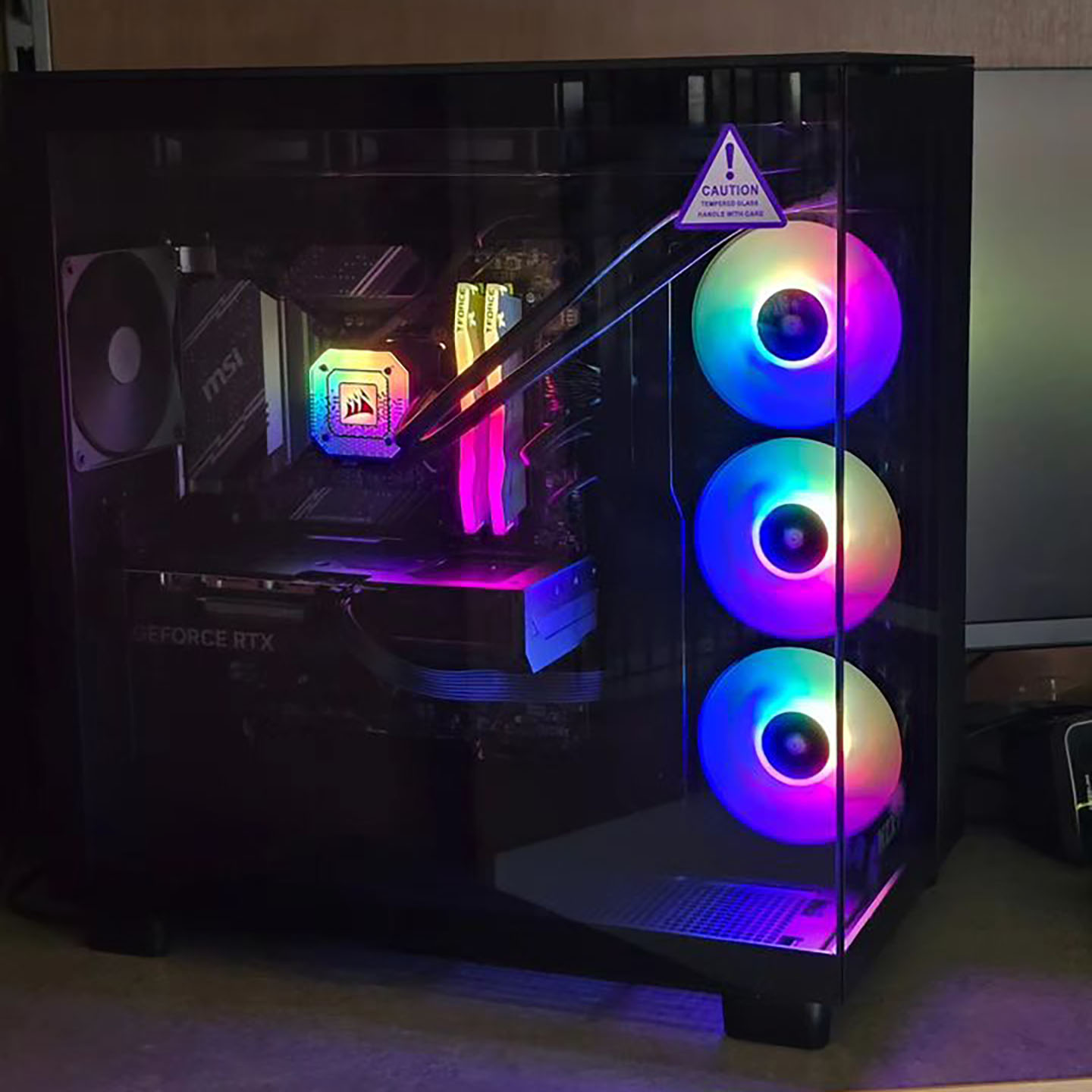
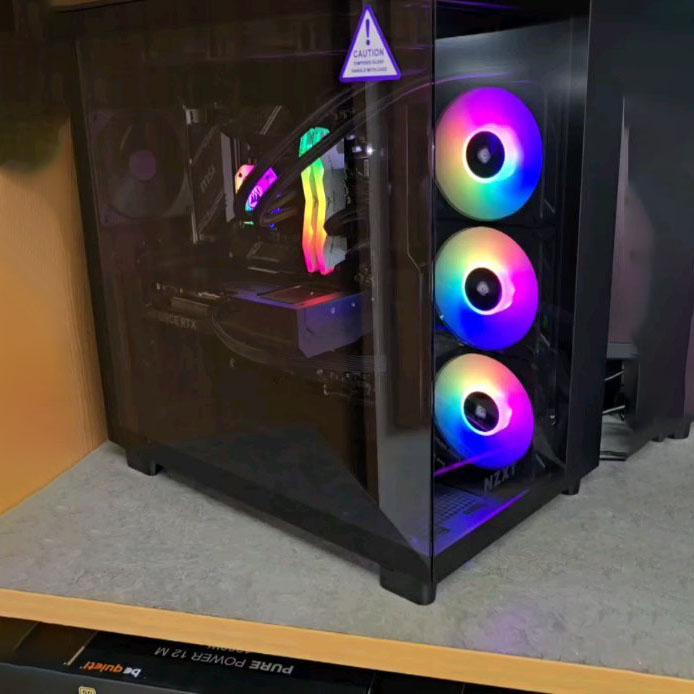
Project 5